
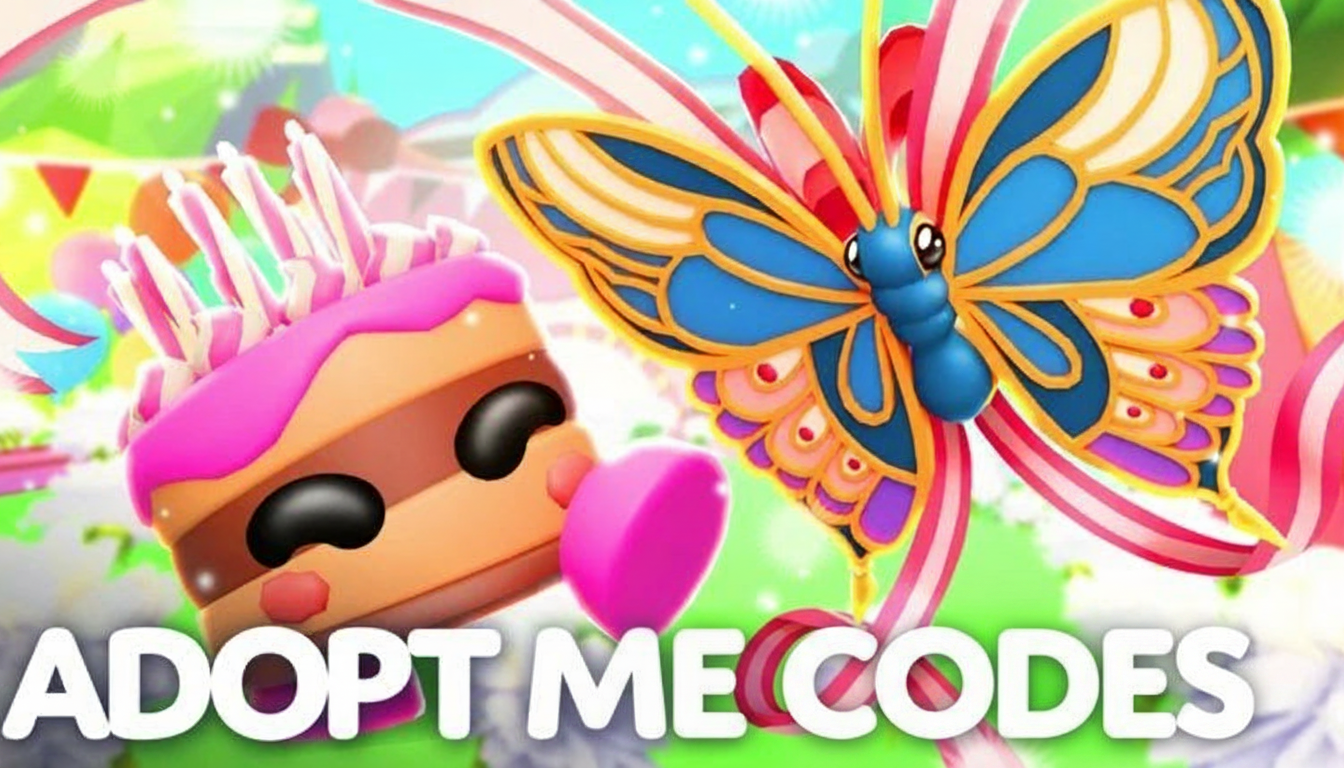
Adopt Me codes are one of the quickest ways to grab limited freebies in Roblox Adopt Me, especially when the developers drop time limited promos tied to updates or events. If you are checking in for the latest rewards, this guide keeps things simple: what codes are live, what you get, how to redeem, and what to do when a code refuses to work.
Right now, the overall pattern is important to understand. Adopt Me does not constantly run a huge list of active codes the way some Roblox games do. Often there is only one active drop at a time, usually a small collectible reward like a sticker, with older codes expiring quickly.
All Active Adopt Me Codes
These are the codes worth trying today. Copy them exactly as shown, since they are case sensitive.
- PROUDFROGCopy: Proud Frog Sticker (NEW)
Expired Adopt Me Codes
- AMTRUCK2024: Free rewards
- SUMMERBREAK: Free rewards
- SUMMERSALE: Free rewards
- 1B1LL1ONV1S1TS: Free rewards
- M0N3YTR33S: Free rewards
- GIFTUNWRAP: Free rewards
- DiscordFTW: Free rewards
- subbethink: Free rewards
- GIFTUNWRAP: Free rewards
- SEAcreatures: Free rewards
How to Redeem Adopt Me Codes?
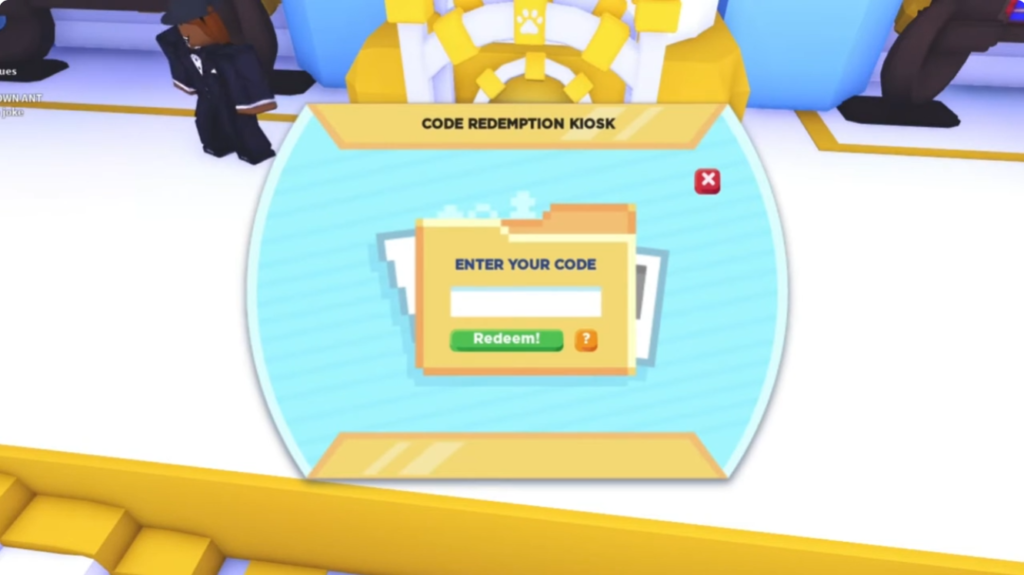
Adopt Me redeem codes are entered inside the game at the dedicated redemption kiosk. If you try to redeem from a random menu and cannot find the option, that is why.
- Open Adopt Me on Roblox.
- Join a server and head out through the main exit tunnel to reach Adoption Island.
- Look for the white courthouse style building with a scale on the roof.
- Walk inside and find the code kiosk near the NPC agent.
- Enter your Adopt Me code exactly as shown and press Redeem.
Best practice: copy and paste codes when possible and ensure you do not add extra spaces at the start or end.
Adopt Me Codes Not Working? Check out the Reasons
Most redemption issues come down to a few common causes.
- The code expired: Many codes only last for a short window.
- Spelling or case errors: Codes can be case sensitive, so one wrong character breaks it.
- Wrong redemption spot: You must use the in game kiosk flow rather than searching menus.
- Already redeemed: Most codes are one time per account.
- Server lag: Rejoin a different server and try again.
If a code fails, try pasting it again carefully, then switch servers before giving up.
What are Adopt Me Codes?
Adopt Me codes can reward different kinds of items depending on the promotion. Recently, live codes often lean toward collectibles like stickers, which makes them great if you are specifically hunting Adopt Me free stickers. Older promos have sometimes included other bonuses, but current patterns usually favor limited collectibles and cosmetics rather than long lists of always-available rewards.
How to Get More Adopt Me Codes?
Trying to get your hands on the newest Adopt Me codes? You’re likely not alone as many players are doing the same on their end. You can simply bookmark this page as we at GoGachaGame personally check and update them on a regular basis. Save your time and energy hunting for new codes manually, as it’s usually futile. New codes do not get dropped according to a schedule.
To check for new codes in Adopt Me, we suggest following their official social media handles and community sources. For instance, join the Uplift Games community group on Roblox platform to stay aware of the in-game happenings. You can also visit Uplift Games website for more in-depth information for their new updates.
Is there an official Adopt Me Discord server?
Yes, an official Adopt Me Discord server does exist. Players can join this server and learn more about the gameplay mechanics or discuss strategies. A thorough community can be found here, each showing off their cute pets, and new finds. Stay tuned to the ‘announcements’ channel as it’s the best place to learn about the new updates, events, or redeem code releases.

Community Discussion